Day 3 of Jarela
Cross-posted from my development journal in the Jarela repo .
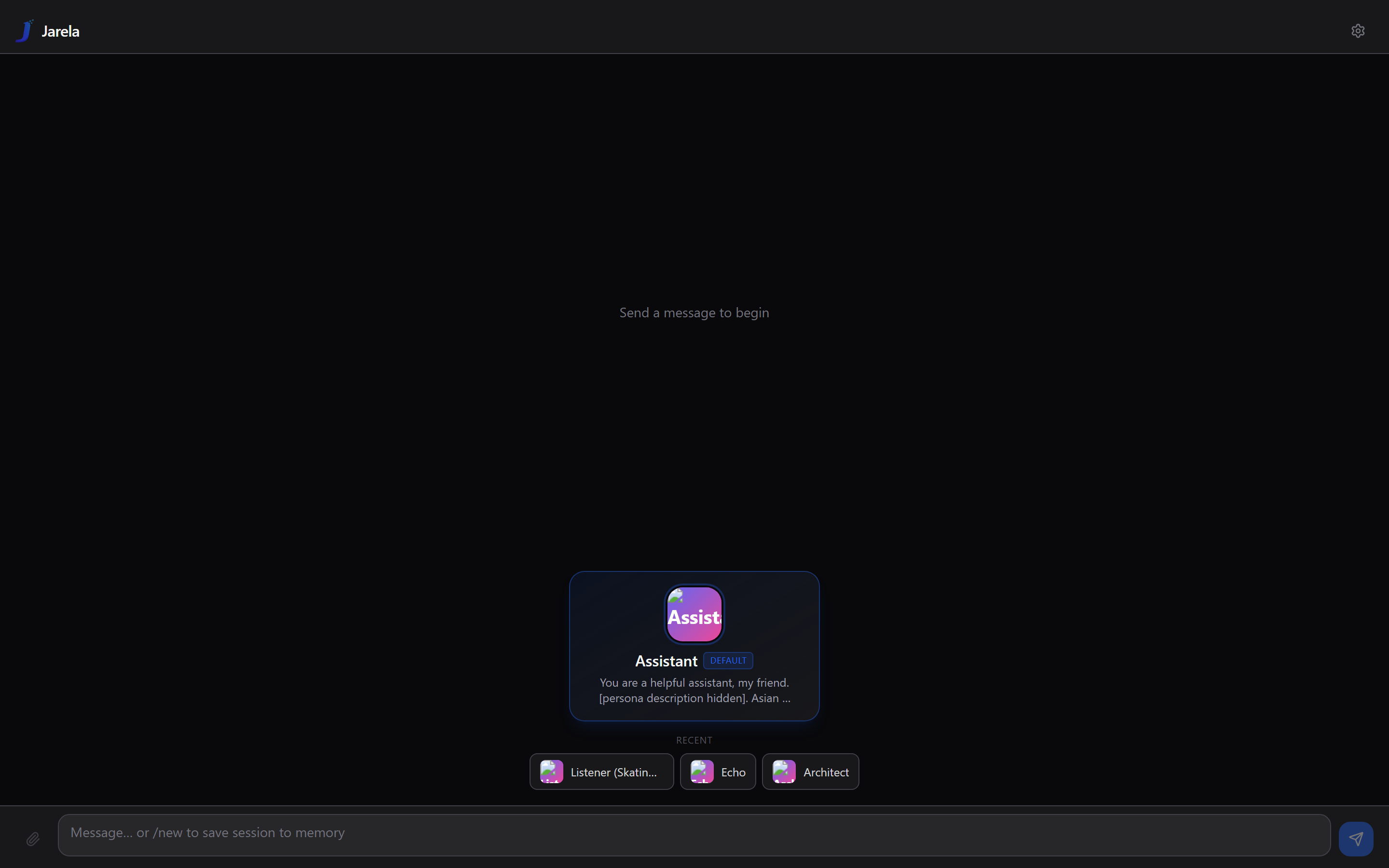
Today the app stopped being a chat window and became an endpoint. It can receive WhatsApp messages, draft Gmail replies, embed maps in its responses, know where I am if I let it. It also got a new name — Jarela.
30 commits. Most are small fixes; two are structural.
Bridges, with WhatsApp first
The structural one. I introduced a Bridge concept: an inbound channel that routes messages from somewhere-else into an agent thread, and routes the agent’s reply back out. WhatsApp via Baileys is the first implementation, written so the next bridge (Telegram, SMS, whatever) drops into the same shape. The decision is captured in ADR-0004 .
Things that bit me:
- Baileys rejects pairing unless you announce a recognized browser
identifier.
Browsers.ubuntu('Chrome')works. The default Macintosh/Safari string doesn’t. I tried to revert this twice thinking I’d misremembered; I had not. - Show the right device name in WhatsApp’s linked-devices list. Started as “LangGUI”, became “Jarela” later in the day.
- WhatsApp has two parallel JID namespaces. The classic
@s.whatsapp.netand the newer@lid(linked-device IDs). Some messages arrive with the@lidas the primaryremoteJidand the real number asremoteJidAlt. Route on the alt when present, or you’ll never reply to the right thread. - Show a typing indicator while the agent composes. Otherwise the sender thinks the message went to a black hole.
Plus a chat picker in the route editor (no more pasting raw JIDs), phone-number lookup, and “pin self in chat picker” for the case where I want the agent to be able to message me back from itself.
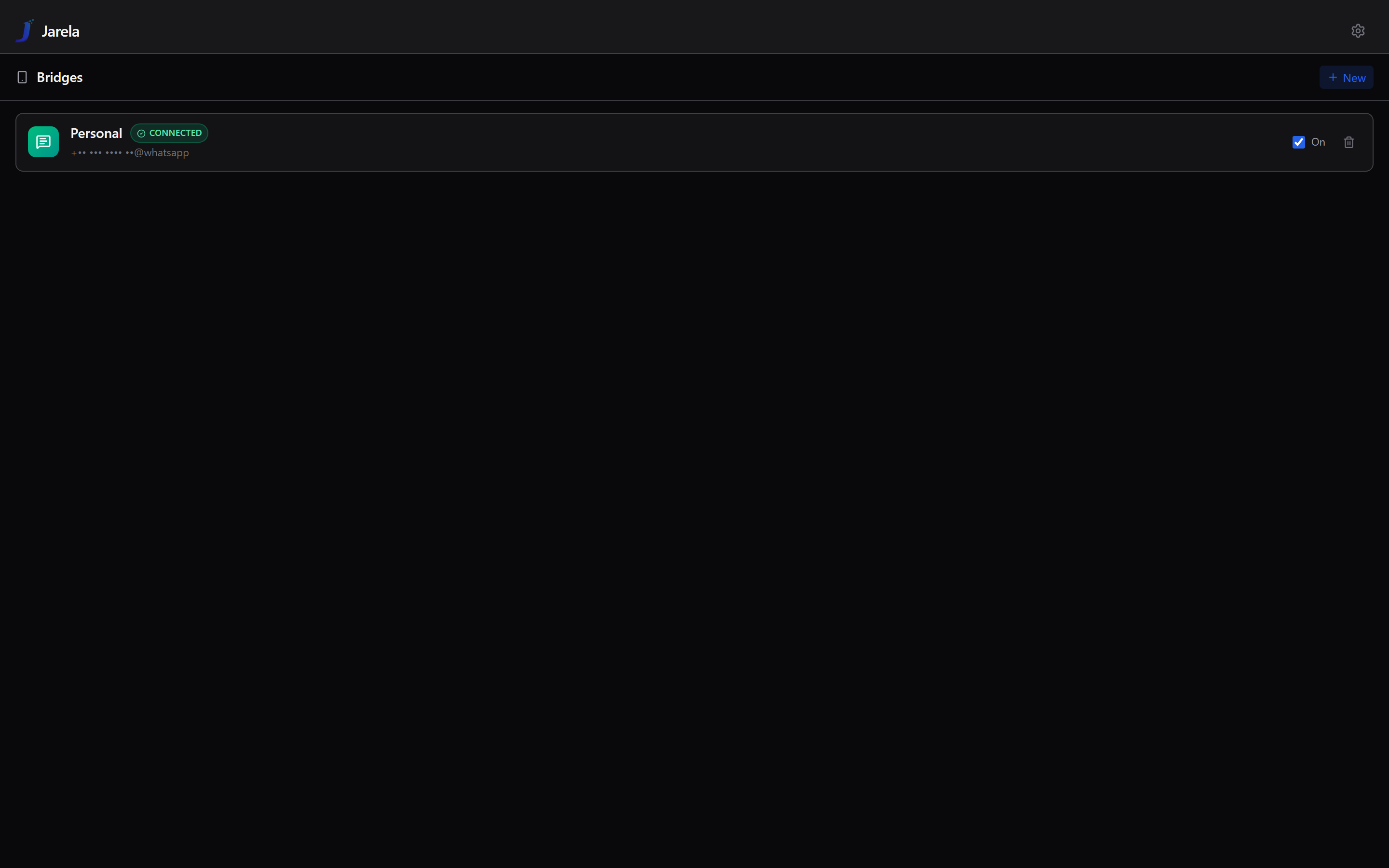
Agent-side toggle: “never reply” — silent / read-only on bridges. Useful for a watcher agent that should log and notify but never send anything outbound.
Two bridge follow-ups that fell out of the design naturally: allow self-chat routing without a reply loop (otherwise the agent talks to itself forever) and silence unrouted-chat notifications (otherwise every group chat I’m in pings the desktop).
Gmail, natively
Then the outbound side. feat(tools/gmail): search / read / draft /
label / trash. Drafts-only for send. I’m not letting an LLM send
mail on my behalf without me clicking the button, full stop. The agent
does the drudgery, I click send.
OAuth was the actual work:
scripts/gmail-oauth.mjs— a loopback OAuth helper for Desktop credentials, run once locally to mint a refresh token.- Then I moved it in-app: a Connect Gmail button on the tool card runs the OAuth dance from inside the running server, exchanges the code, stores the refresh token in the local SQLite.
- An in-card setup guide with the GCP step-by-step (create project → enable Gmail API → consent screen → desktop credentials → here’s the redirect URI) — because every time I do this from scratch I forget two steps.
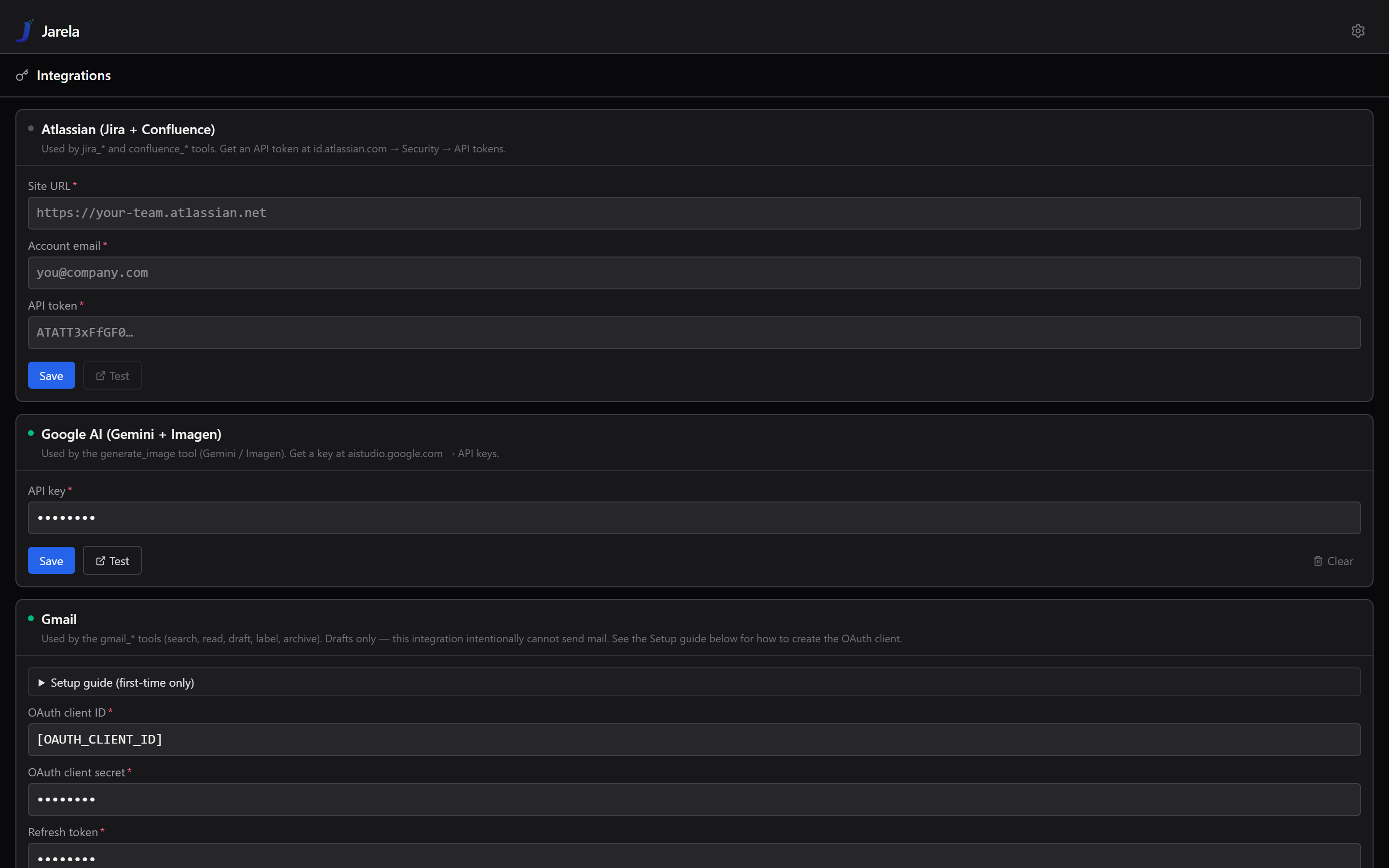
The lesson: drafts-only is the right default for any “send” action. The audit trail matters more than the convenience.
Maps in chat + opt-in location
- Render Google Maps embeds from a
```mapcode fence. The agent emits coordinates, the user sees a map, the API key is injected server-side and never ships to the client. - Opt-in browser geolocation sharing with a
get_user_locationtool. Off by default. The agent has to ask for it, the browser has to grant it, and the grant is per-thread.
Provider hotloading
feat(providers): hotload external ModelProviders from ~/.langgui/providers/
Drop a TypeScript/JS module in that directory, restart, and it’s a first-class provider in the agent factory — same shape as the built-in adapters. This was the first time the project crossed from “my thing” to “platform for my thing”. The next provider I add can live outside the repo entirely.
I didn’t plan for it on day 1. Today it took 90 minutes and made everything downstream easier.
MCP isolation
fix(mcp): isolate per-server connection failures so one broken
server doesn't poison the rest
Before today, a single MCP server failing to start broke the whole tool registry. Now each server lives in its own try/catch and the rest come up fine. Obvious in hindsight, painful in practice.
Installer + scheduled task fixes
- Use
powershelldirectly for the scheduled-task action. The previous indirection throughcmdwas eating non-zero exit codes silently. - Clear install-dir contents in place — don’t remove the dir itself, because removing it breaks the scheduled task’s working-directory reference.
The big one: rebrand to Jarela
feat!: rebrand to Jarela with state migration and refreshed logo set
LangGUI was a working title. I always meant to rename it. The hard part
wasn’t search-and-replace — it was the state migration: the SQLite
checkpoint and the local stores live at ~/.langgui, and I wasn’t
about to lose three days of conversations. So:
- On startup, if
~/.jareladoesn’t exist and~/.langguidoes, move it. Single rename, atomic on the same filesystem, safe to retry. - Refresh the logo set (favicons, PWA manifest, apple-touch-icon).
- Update WhatsApp’s announced device name from “LangGUI” to “Jarela”.
- Marked breaking with
!and aBREAKING CHANGE:footer per Conventional Commits v1.0.0 — anyone (me, mostly) who has an old~/.langguidirectory gets it migrated automatically, but the default state directory has changed.
Smaller follow-ups: an expanded README that actually lists the
features and providers, a Windows task runner (make.ps1 + make.cmd),
and the iOS PWA icon got a white background because on a dark home
screen the dark “J” on the dark blue background I had was invisible.
What I learned
- Bridges are the shape, not just WhatsApp. Modeling the inbound channel as a generic Bridge with route + identity + reply policy paid off within hours. The “never reply” toggle and the self-chat loop fix both fell out naturally instead of being per-channel hacks.
- Drafts-only is the right default for any “send” action. Audit trail > convenience.
- Hotloading providers is when a script becomes a platform. Don’t plan for it on day 1; it’s cheap to add the moment the seams are obvious.
- Renames are state migrations. The string-replace took ten minutes. Making sure no one lost a thread took the rest.
- Conventional Commits v1.0.0 strictness pays off the second time
you
git log. I rewrote earlier commits to comply mid-day. The new ones I wrote correctly the first time. Worth it.
That’s the first three days. The honeymoon “44 commits in a day” rate isn’t sustainable and isn’t the point. The point is that the box is on, it’s mine, and it works.
What actually worked vs. what I shipped
The most-integrations day so far. It’s worth being honest about the gap between “shipped the code” and “the agent can actually use it.”
WhatsApp bridge — ✅ connected, ⚠️ partially usable.
The bridge itself is status: connected, paired to my own number,
no errors. One route wired: messages from myself → Assistant agent,
labeled “Yourself”.
The catch: when I asked the Assistant “can you send a message to myself on WhatsApp?” — it couldn’t. The bridge was connected, but the WhatsApp outbound-send tool wasn’t in the Assistant’s allow-list. The agent said “give me a moment,” got hit by today’s own auto-retry nudge, and still couldn’t send. The tool literally wasn’t bound.
Lesson: bridge connectivity ≠ agent capability. Wiring the channel and granting the agent the tool are two separate steps. I only did one of them today. That gap is the most useful failure mode from the whole rebuild — when you compose a system out of little pieces, infra availability and agent capability drift apart the moment you stop looking.
Gmail — ✅ working, with a subtle bug.
The in-app Connect Gmail button ran the full OAuth dance and
stored the refresh token in SQLite. gmail_search returned real
results on the first try.
But gmail_search with query: "is:unread", max_results: 1
came back as “you have 1 unread email” when my actual inbox has
thousands. The tool returns at most max_results rows; the agent
read that as the total count. Need to either expose Gmail’s
resultSizeEstimate or add a separate gmail_count tool. Filed
for tomorrow.
Drafts-only for send is still the right default. Audit trail beats convenience every time.
Google Maps MCP — ⚠️ configured but agent-blind.
The google-maps MCP server from day 1 is still enabled and
connected. But when I asked “any interesting place around me?”,
the Assistant fell back to web_search — because the MCP’s
maps_* tools weren’t in its allow-list. Same lesson as WhatsApp
send: infra wired ≠ agent has the tool. The MCP server is healthy
and idle; the agent doesn’t know it exists.
get_user_location — ✅ end-to-end.
Browser geolocation prompt fired, consent granted, coordinates
arrived (±22m) and got persisted to the user profile with
location_consent: 1. The ```map code-fence embed rendered
the coords as a Google Maps iframe with the API key injected
server-side. This is the path I trust.
Time MCP — ❌ still broken from day 1. uvx mcp-server-time
fails on startup with Connection closed. uvx is the problem,
not the server. Haven’t fixed it yet.
The through-line of the three days: the structural pieces are easy, the integration glue is where everything actually lives. A bridge that’s connected but whose tools aren’t in the agent’s allow-list is the system equivalent of having a phone with no contacts. The next phase is less about adding more channels and more about closing those gaps.
Repo: github.com/andrew-ge-wu/jarela . Personal project, no roadmap, no SLA. Just notes from the workshop.