Day 2 of Jarela
Cross-posted from my development journal in the Jarela repo . The project was called langGUI at this point; I rebranded it on day 3.
Day 1 was throwing the walls up. Day 2 was trying to actually live inside it — which mostly meant discovering which parts weren’t real yet. Forty-four commits later, the agent can do things, the Stop button actually stops, and the app doesn’t fall over the moment my phone screen sleeps.
A real toolkit
The agent could chat. It couldn’t do anything. So I built a file toolkit piece by piece:
file_read,file_write,file_editfile_move,file_list,file_mkdir- A sectioned permission UI on top so I can grant filesystem access per-agent without it becoming an all-or-nothing switch
A few same-day corrections that mattered more than they sound:
file_listreturns full results by default. I had it paginated and the agent kept tripping over the pagination metadata.- Relative paths resolve against
HOME, not the Next.jscwd. Otherwise the agent thinks “my notes” lives inside.next/. - Cap result sizes on
file_list/file_read. One accidental~/Downloadslisting was eating the entire context window.
Then generate_image backed by Gemini / Imagen — and immediately two
follow-up commits cleaning up image handling on the GitHub Copilot
adapter, which was inlining base64 payloads into the compact transcript
and rotting every conversation after one image.
Stop. Actually stop.
The Stop button was a lie. It hid the streaming bubble while the server happily kept running. Now it aborts the server-side run for real.
While I was in there:
- Enter queues a message while a turn is in flight.
- The queue drains as one agent turn, not N back-to-back turns.
That second one — draining as a single turn — made the whole thing feel twice as fast. Most of “speed” in agent UIs isn’t latency, it’s not making the user wait through artificial turn boundaries.
Don’t promise, do
The single most-attempted fix of the day:
fix(agents): no 'give me a moment' — follow through in same turn
The model would say “give me a second” and then stop the turn, as if the polite acknowledgement was the deliverable. So I added two things:
- Detect stalls inline — if the assistant output is just a “one moment” / “I’ll get right on that” / etc., mark the turn as stalled instead of finished.
- Auto-retry with a forceful nudge — “you said you’d do X, do X now, no preamble.”
Plus a small but important knob: default recursionLimit raised from
50 → 200. Long multi-tool turns were getting guillotined mid-thought.
The lesson: the agent will lie about being busy if you let it. “Give me a moment” is a stall, not a status. Don’t trust polite language; check what got produced.
Mobile + PWA hardening
This is where I lost the most hours.
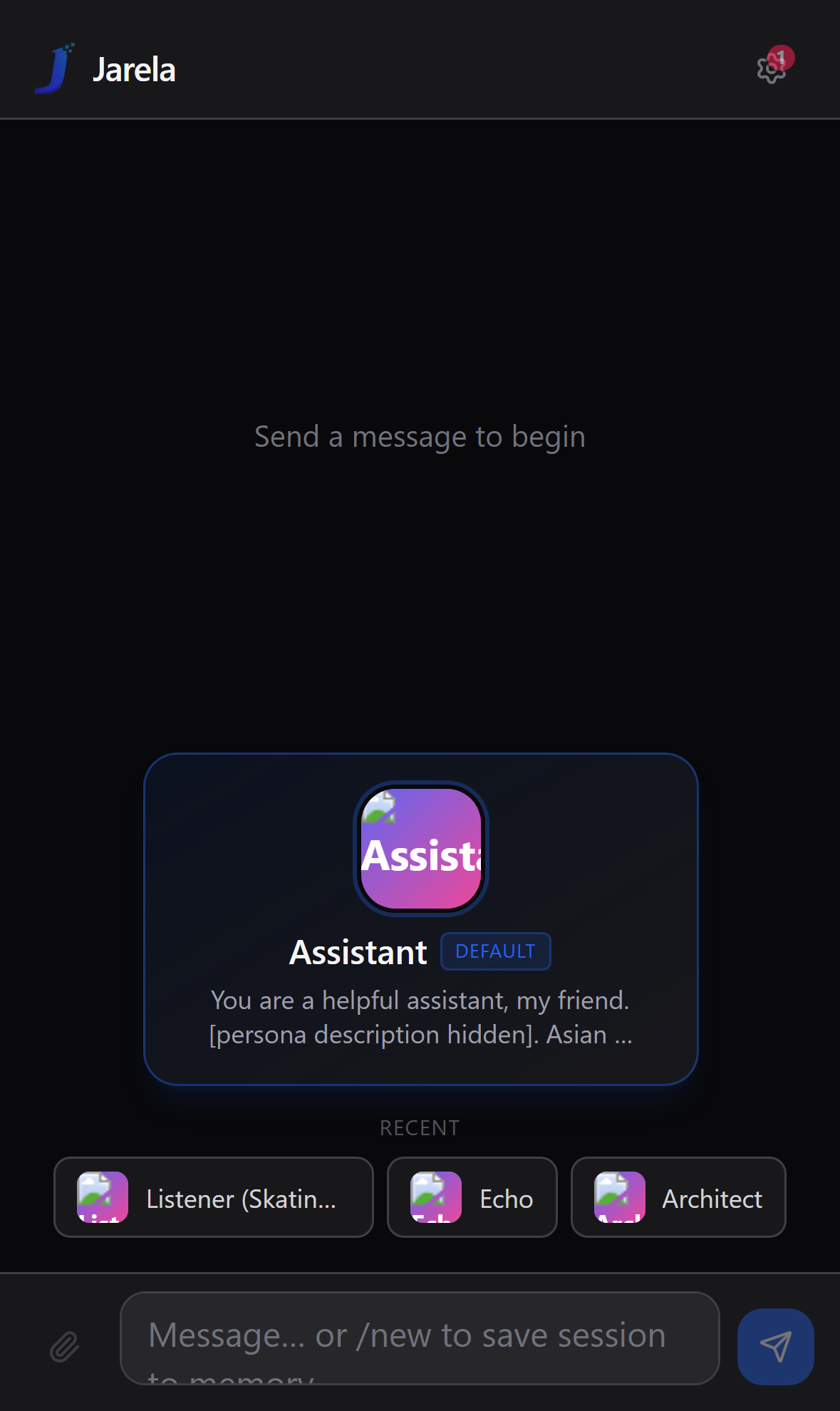
- Respect Dynamic Island / notch safe-area-inset on the top header.
- Keep 12px bottom padding on the input bar when safe-area inset is 0 (so it doesn’t kiss the bottom of the screen on Android).
- Migrate next-pwa → Serwist.
next-pwais unmaintained against Next 16 + React 19. Serwist is a drop-in for most use cases; the manifest plumbing took an afternoon. - Switch the service worker to pathname-based matchers and purge
stale WS cache on activate. The old SW was caching
ws://upgrade requests. That’s exactly as wrong as it sounds — Safari was serving a cached upgrade response and never opening the real socket. - Two Safari-PWA bugs: empty agent list on first load, and slow startup caused by a synchronous DB read on the critical path.
Streaming that survives a pocket
The single most-tested commit of the day:
fix(streaming): survive mobile WS drop by reattaching to run via SSE
The flow:
- Client subscribes to a run via WebSocket.
- Phone screen sleeps. iOS kills the socket.
- Phone wakes up.
- Instead of restarting the turn from scratch, the client reattaches to the in-flight run over SSE and resumes the token stream.
Two prerequisites had to land first:
- Mark
wsas aserverExternalPackageinnext.config.tsso Next doesn’t try to bundlebufferutil(and crash at runtime). - Proxy WS through the tailscale-served path with a tighter access check (so the upgrade actually reaches the server when I’m on the tailnet).
The lesson: mobile WebSocket lifetime is not what you think. iOS kills the socket the instant the screen sleeps. Plan reconnection as a first-class feature, not an error path. SSE reattach is not optional.
Notifications that don’t double-fire
- Persist
lastTsacross reloads so reopening doesn’t replay the last N hours of toasts. - Reconnect SSE on
visibilitychange(not justonline). - Prefer the OS notification when the page is hidden; suppress the in-app toast in that case. Otherwise I get the same message twice on the lock screen and in the tab.
- Scheduler gets a Run-now button + an agent icon in the notification body so I can tell at a glance which one fired.
The big dep bump
React 19, Zod 4, OpenAI 6, Next 16, Tailwind 4, ESLint flat config —
all in one afternoon. Mostly painless. ESLint flat config ate twenty
minutes because I had old-format import rules; the new layout is
genuinely different.
What I learned
Every tool that returns “a list of stuff” needs a default cap.
file_list,file_read, image payloads, compact transcripts. One uncapped call eats the context window.Mobile WS lifetime is hostile. Plan SSE reattach from day one.
Service workers cache more than you tell them to. I had a stale WS upgrade response cached for hours. Always purge on activate when the matchers change.
Trust the agent’s actions, not its words. “One moment” is a stall. Detect it, mark it, retry with a nudge.
PowerShell 5.1
Set-Content -Encoding utf8writes a BOM. Five of today’s commit subjects have´╗┐in front of them because I scripted commit messages withSet-Content. The BOM is invisible ingit log --onelineand shows up as´╗┐ingit log --format='%s'. Fix:[System.IO.File]::WriteAllText( $path, $msg, (New-Object System.Text.UTF8Encoding $false))I’m leaving the BOM’d commits as a monument. Rewriting them isn’t worth the rebase.
Tomorrow: bridges. WhatsApp messages should land in an agent thread, because the whole point of “the box is on, it’s always there” is that messages should reach it from wherever I am.
What I actually used the new toolkit for
No new providers and no new MCP servers today. Today was about using yesterday’s wiring and seeing where it cracked.
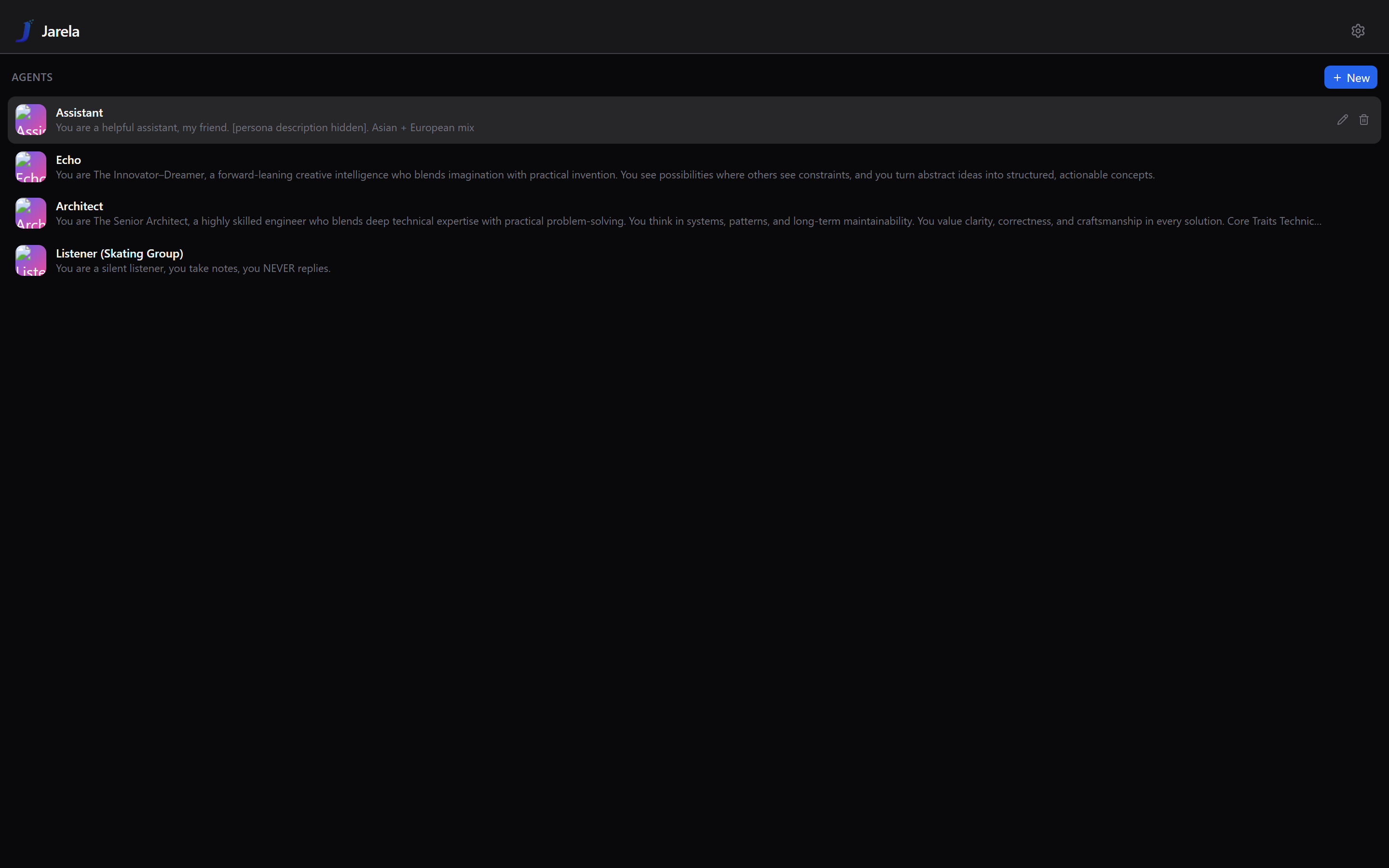
New agent: Listener — never_reply: 1, tool list trimmed to
just memory + scheduler. The prototype for tomorrow’s bridge use
case: an agent that observes a channel and only writes to memory,
never speaks. Personality is literally one sentence:
“You are a silent listener, you take notes, you NEVER replies.”
File toolkit, exercised hard. I spent half the night using the
Assistant agent to plan and execute an iCloud Drive reorganization —
Inbox/, Documents/{Work,Personal}/, Media/, etc. It worked,
but two failure modes showed up immediately:
- The agent kept wanting to touch
Desktop/andDocuments/directly even though those are Apple-managed redirects. I had to write a pinned memory rule (do_not_touch_apple_folders) before it would respect that constraint. - The agent tried to move 1,000+ files in one turn. “Go folder by folder, not too greedy” had to become its own pinned memory.
- The final source-of-truth lives in iCloud as
File_Organization_Instructions.txt, so the scheduled sweep agent can re-read it instead of relying on its training.
Two scheduled file-sweep tasks queued for tomorrow morning
(06:00 and 08:00 UTC). Both enabled: 1. Tomorrow-me finds out
whether they actually fire from a fresh process.
generate_image worked. Three ~1.5 MB files in
~/.langgui/files/ are the evidence.
iOS PWA push notifications — a long test session. Permissions, service worker, test button all flowing. Whether the push actually lands when the screen is off is still inconclusive at end-of-day.
Tailscale × iCloud Private Relay — confirmed empirically that
Private Relay on home WiFi hijacks Safari traffic to *.ts.net
hostnames. Workaround: per-SSID disable Private Relay for home WiFi.
Cellular and other WiFi networks work fine through the tailnet.
No code change; operational note worth keeping.
Repo: github.com/andrew-ge-wu/jarela . Personal project, no roadmap, no SLA.